






Have you ever woken up in a cold sweat, terrified you've lost that scrap of paper with your seed phrase? Or forgotten which notebook holds the 12 magic words to your crypto fortune? ZenGo tackles this fundamental pain point in crypto head-on. This isn't just another wallet; it's the world's first truly seedless, non-custodial wallet, securing your assets with military-grade cryptography while remaining intuitive enough for a complete beginner.
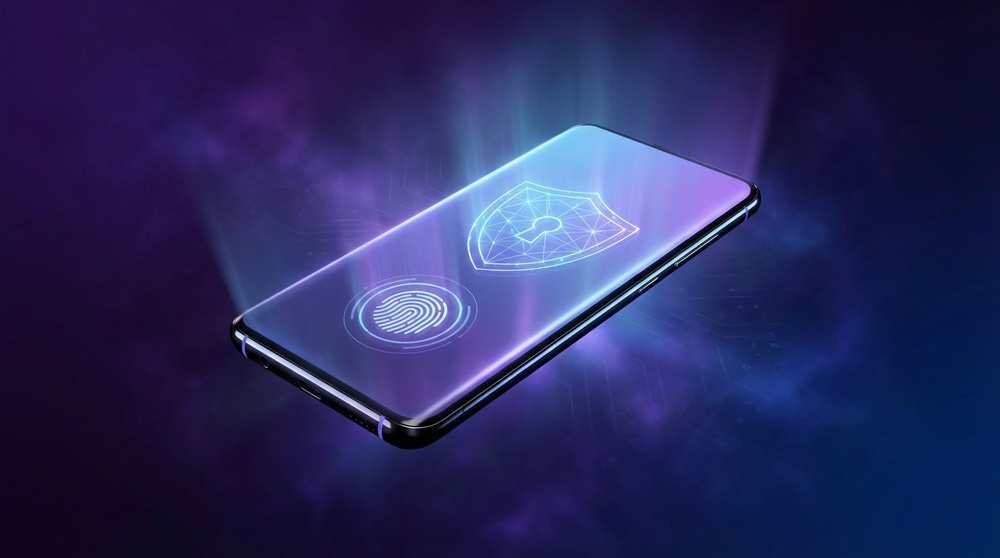
ZenGo: A revolutionary MPC wallet that eliminates the seed phrase.
Table of Contents
What is ZenGo?
ZenGo is a non-custodial mobile crypto wallet developed by ZenGo Ltd. Its defining feature? There is no private key in the traditional sense. Instead, it leverages MPC (Multi-Party Computation) technology, where the private key is never fully assembled in one place.
This means there is no seed phrase to lose, steal, or forget. Yet, you remain the sole owner of your assets—neither ZenGo nor anyone else can access your funds without your biometric approval.
The ZenGo Concept, Simplified
Imagine your private key is split into two unique parts. One part is secured on your phone, and the other is held in a secure, encrypted vault by ZenGo. To authorize a transaction, both parts must come together, but only with your biometric approval (Face ID or fingerprint). Neither ZenGo nor your phone alone can access your funds.
Since launch, ZenGo has earned the trust of over 1.5 million users worldwide. Available on iOS and Android, it supports over 1,000 cryptocurrencies and integrates with leading DeFi protocols and NFT marketplaces.
MPC Technology: How It Actually Works
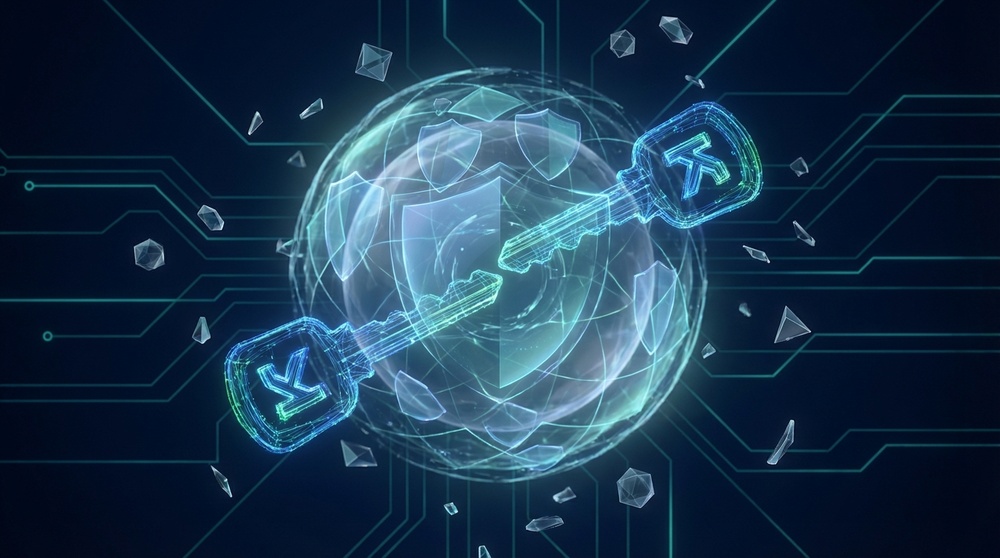
To understand ZenGo's security revolution, you need to understand MPC. Don't worry, we'll keep it simple.
Traditional wallets generate a single private key—a long string of characters that proves ownership. Lose the key, lose everything. This is why billions in crypto are locked in inaccessible wallets.
ZenGo's MPC approach is fundamentally different:
Step 1: Key Share Generation
When you create a wallet, a mathematical algorithm generates two independent key shares. One share is encrypted on your device. The other is stored on ZenGo's secure, hardware-protected servers.
Step 2: Transaction Signing
To send crypto, both key shares participate in a cryptographic computation without ever being combined. The transaction is signed without the full key ever being assembled in one place.
Step 3: Biometric Confirmation
The key share on your phone is locked with Face ID or Touch ID. Without your biometrics, even someone with your phone cannot access the share. Your face or fingerprint is your password.
What if ZenGo shuts down?
A valid concern. ZenGo has a solution: 3FA Recovery. Your encrypted key share is backed up to your personal cloud storage (iCloud or Google Drive). Even if ZenGo ceased operations, you could recover your assets using an open-source recovery tool.
ZenGo Security: Multi-Layered Protection
Security isn't a feature for ZenGo; it's the foundation. Let's break down the layers.
ZenGo Security Layers
Layer 1: MPC Cryptography
The private key never exists in one place. There's no single key to steal.
Layer 2: Biometric Lock
Face ID or Touch ID is required for any action. Your face is your password.
Layer 3: 3FA Recovery
Three-Factor Authentication recovery via email, biometrics, and encrypted cloud backup.
Layer 4: Web3 Firewall
Real-time protection from phishing sites and malicious smart contracts.
Web3 Firewall: Real-Time Scam Protection
ZenGo's Web3 Firewall is a game-changer. It analyzes every transaction and smart contract interaction in real-time.
- Checks contract addresses against known scam databases.
- Analyzes permissions requested by smart contracts.
- Warns you if a contract asks for unlimited token access.
- Shows a transaction simulation of the exact outcome before you sign.
- Blocks connections to known phishing sites.
Transaction Simulation is a game-changer. You see the exact outcome—tokens in, tokens out, fees—before you sign. No surprises.
Security Audits & Bug Bounty
ZenGo undergoes regular, independent security audits and runs an active bug bounty program, paying researchers for finding vulnerabilities.
ZenGo's Core Features
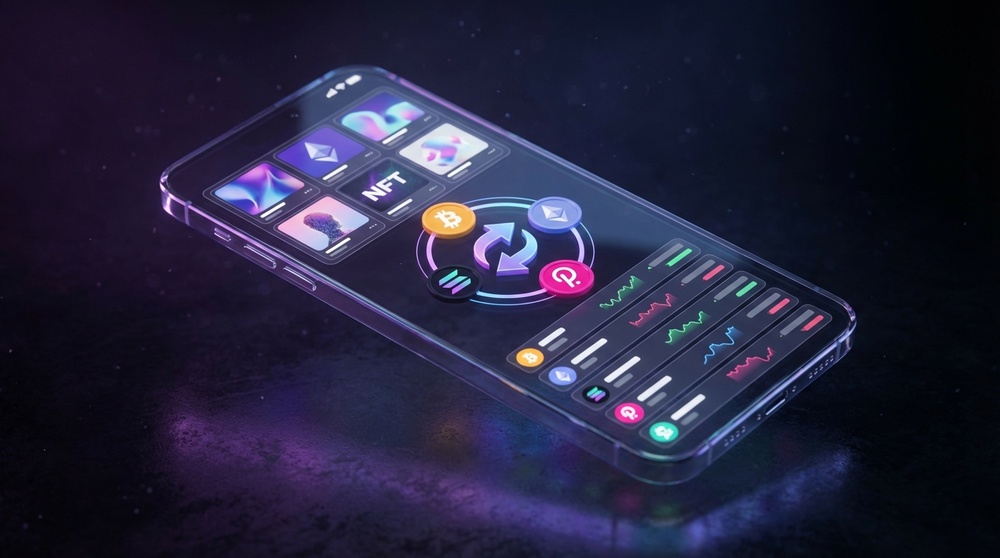
ZenGo is more than a vault; it's a full-featured crypto hub.
Buy Crypto
Integrated with top fiat on-ramps like Moonpay and Simplex. Buy crypto directly in-app with a card or Apple/Google Pay.
Sell for Fiat
Convert crypto to fiat and have it sent directly to your bank account, all within the app.
Swap Tokens
Built-in DEX aggregator finds the best swap rates across multiple decentralized exchanges.
Staking
Earn rewards directly in the app with staking for assets like ETH, MATIC, and ATOM.
| Feature | ZenGo | Traditional Wallet |
|---|---|---|
| Seed Phrase | Not Required | Required |
| Recovery | 3FA (Biometric + Cloud) | Seed Phrase Only |
| Phishing Protection | Built-in Firewall | None |
| Tx Simulation | Yes | No |
| Fiat On-Ramp | Built-in | Varies | Built-in DEX | Yes | Varies |
| NFT Gallery | Yes | Varies |
| Beginner-Friendly | Excellent | Poor/Average |
Supported Assets: 1000+ Coins & Tokens
ZenGo supports over 1,000 cryptocurrencies across multiple blockchains.
Major Blockchains
- Bitcoin (BTC) & Lightning
- Ethereum (ETH) & all ERC-20 tokens
- Polygon (MATIC)
- BNB Smart Chain (BEP-20)
- Solana (SOL)
- Avalanche (AVAX)
- Arbitrum & Optimism (L2)
- Cosmos (ATOM)
- Tron (TRX)
Popular Tokens
- Stablecoins: USDT, USDC, DAI, BUSD
- DeFi: UNI, AAVE, COMP, MKR
- Meme Coins: DOGE, SHIB, PEPE
- GameFi: AXS, SAND, MANA
- Wrapped: WBTC, WETH
- Liquid Staking: stETH, rETH
The list of supported assets is constantly growing. You can also add custom tokens by contract address for major EVM chains.
NFTs & DeFi: A Full Web3 Hub
ZenGo is a full Web3 browser, not just a wallet.
NFT Gallery
View, manage, and send NFTs from Ethereum, Polygon, Solana, and more. The built-in gallery displays your collection with previews.
DeFi via WalletConnect
Connect to thousands of dApps via WalletConnect. ZenGo's Web3 Firewall scans every interaction.
Buying & Selling Crypto
ZenGo simplifies the on-ramp and off-ramp process, making it perfect for beginners.
How to Buy Crypto in ZenGo:
Note on Fees
Buying crypto with a card typically incurs a 1.5% to 3.5% fee, depending on the provider and payment method. For large purchases, it may be cheaper to use a centralized exchange and transfer funds.
Interface & User Experience

ZenGo's interface is a masterclass in simplicity. Where MetaMask and others can overwhelm, ZenGo is intuitive.
Available on iOS and Android in multiple languages. The design is clean, modern, and perfect for someone taking their first step into crypto.
The Home Screen
- Portfolio Balance in your local currency.
- Asset List with 24h price changes.
- Quick Actions for Send, Receive, Buy, Swap.
- Full Transaction History.
- NFT Gallery for your collectibles.
Onboarding in Minutes
Creating a wallet takes 2-3 minutes. No seed phrases, no complex steps. Enter email, verify, set up Face ID, and you're done.
"ZenGo is the first wallet I recommend to friends new to crypto. No seed phrases, no fear of losing access. It just works."
Pros and Cons
ZenGo Advantages
- No seed phrase to lose or secure.
- Military-grade MPC cryptography.
- Perfect for beginners; onboarding in minutes.
- Built-in Web3 Firewall for DeFi/NFT safety.
- Transaction simulation before signing.
- 1000+ assets, multiple blockchains.
- Buy/sell crypto directly in-app.
- Built-in DEX aggregator.
- Full NFT gallery and management.
- WalletConnect for DeFi & dApps.
- In-app staking for passive income.
- Robust 3FA recovery system.
- Regular security audits.
- Multi-language support.
Considerations
- Not open-source.
- Server-side key share requires trust in ZenGo.
- No desktop/browser extension.
- Fees for buying crypto can be higher than exchanges.
- Some niche blockchains not supported.
- Advanced DeFi requires WalletConnect.
- No hardware wallet integration.
Who is ZenGo For?
Crypto Beginners
If phrases like "seed phrase" and "private key" are intimidating, ZenGo removes the complexity without sacrificing security.
DeFi & NFT Users
The built-in Web3 Firewall and transaction simulation make exploring DeFi and NFTs safer than ever.
Mobile-First Users
If your phone is your primary device, ZenGo offers the best mobile crypto experience available.
Those Who Fear Loss
If losing a seed phrase is your nightmare, ZenGo's 3FA recovery eliminates that single point of failure.
Who Might Look Elsewhere
If you require 100% open-source code, need a hardware wallet, or work with obscure blockchains, ZenGo may not be the perfect fit. Advanced users who want to manage their own private key in a traditional way may prefer a different solution.
How to Get Started with ZenGo
Step 1: Download the App
Go to the official ZenGo website and download the app from the App Store or Google Play. Always use official sources.
Step 2: Create Your Account
Enter your email. ZenGo will send a one-time code. No complex passwords needed.
Step 3: Set Up Biometrics
Enable Face ID or Touch ID. This is your key to the wallet. No biometrics, no access.
Step 4: Create Encrypted Backup
ZenGo will help you create an encrypted backup of your key share in your personal iCloud or Google Drive. Do not skip this step. This is your recovery lifeline.
Step 5: Fund Your Wallet
Tap "Receive" to get your public address for crypto deposits, or tap "Buy" to purchase crypto directly in the app.
You're All Set!
From download to a funded wallet takes 2-5 minutes. No paper, no phrases, no complex steps.
Final Verdict: Is ZenGo Worth It?
ZenGo is a paradigm shift in crypto security. By eliminating the seed phrase, it solves the single biggest point of failure for everyday users. Its MPC technology isn't just marketing—it's a fundamental improvement in how we secure digital assets.
It combines military-grade cryptography with an interface so simple your grandparents could use it. For the security-conscious beginner or the DeFi enthusiast wanting an extra layer of safety, ZenGo is a top-tier choice.
Ready to Try ZenGo?
Create a free wallet in 2 minutes—no seed phrases, no technical jargon. See why over 1.5 million users have made the switch.
Go to ZenGo Official SiteZenGo FAQ
Is ZenGo a non-custodial wallet?
Yes. ZenGo is a non-custodial wallet. Using MPC, your key is split between your device and ZenGo's secure servers. Neither party has the full key, and you remain the sole owner of your assets.
What if I lose my phone?
Use ZenGo's 3FA Recovery. With your email, biometrics, and the encrypted backup in your cloud, you can recover your wallet on a new device. Your phone is just an access point, not a single point of failure.
Is ZenGo free?
The app and storage are free. Standard network (gas) fees apply for on-chain transactions. Buying crypto with a card incurs a 1.5-3.5% fee from the payment provider. Swaps and trades have standard network and provider fees.
Does ZenGo support Bitcoin?
Yes. ZenGo supports native Bitcoin (BTC), the Lightning Network for fast payments, and Wrapped Bitcoin (WBTC) on Ethereum.
Can I use ZenGo for DeFi?
Absolutely. Connect to any WalletConnect-compatible dApp (like Uniswap or Aave) directly from ZenGo. The built-in Web3 Firewall provides real-time security checks.
Is MPC safer than a traditional wallet?
MPC is considered more secure in one key way: the private key, as a single, complete file, never exists. This eliminates the risk of a single point of failure. It's not stored on a device or server, making it inherently more resistant to theft.
This content is for informational purposes only and is not financial advice. Cryptocurrencies are high-risk assets. Always conduct your own research. This site may receive compensation for referrals.