













Trezor is the world's first hardware crypto wallet, created by the Czech company SatoshiLabs. Since its launch, the device has set the security standard for the industry, offering reliable cold storage for private keys. Open-source code and years of proven reputation make Trezor the choice of millions of crypto investors worldwide.
📋 Review Contents
What is Trezor
Trezor is a hardware cryptocurrency wallet that stores your private keys in a secure offline device. Unlike software wallets, Trezor never transmits your secret data to the internet, making it virtually immune to hacking attacks.
💡 The Core Concept Behind Trezor
Private keys are generated and stored exclusively on the device. Even when connected to an infected computer, your crypto assets remain safe — all cryptographic operations are performed inside the secure chip.
Trezor Model Lineup
SatoshiLabs offers several wallet models designed for different user needs:
Trezor Model One
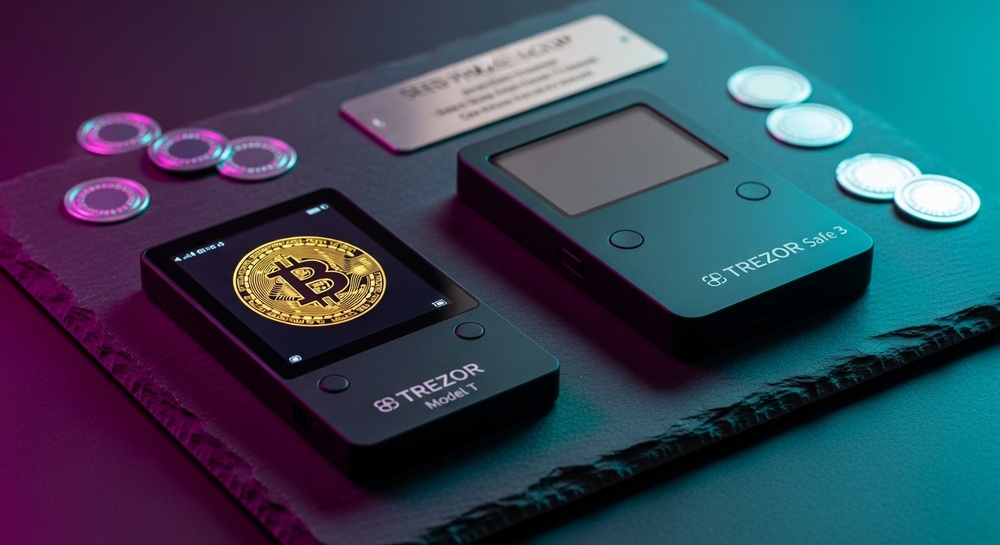
The classic model for beginners. Compact design, two control buttons, monochrome display. Supports major cryptocurrencies and provides a basic level of security.
Trezor Model T
The flagship model with a color touchscreen. Extended cryptocurrency support, ability to enter the seed phrase directly on the device, microSD card slot for additional encryption.
Trezor Safe 3
The new generation of wallets with an improved Secure Element. Compact form factor, physical buttons, enhanced resistance to hardware-level attacks.
Trezor Safe 5
The top-tier model in the Safe lineup with a color touchscreen, Secure Element, and haptic feedback. Combines the convenience of Model T with the security of Safe 3.
Trezor Security
Security is Trezor's top priority. The devices are designed with multiple layers of protection:
🔐 Multi-Layer Security System
- Offline key storage: private keys never leave the device
- PIN code: protection against unauthorized physical access
- Seed phrase: 12-24 word backup for recovery
- Passphrase: additional secret word for creating hidden wallets
- On-screen verification: all transactions are displayed and confirmed on the device
⚠️ Important Warning
Never enter your seed phrase on a computer, phone, or any website. Trezor only requests the seed phrase when recovering a wallet directly on the device itself. Any request for your seed phrase elsewhere is a scam.
Open Source — Transparency and Trust
Trezor is one of the few hardware wallets with fully open-source code. This means:
Key Features of Trezor Suite
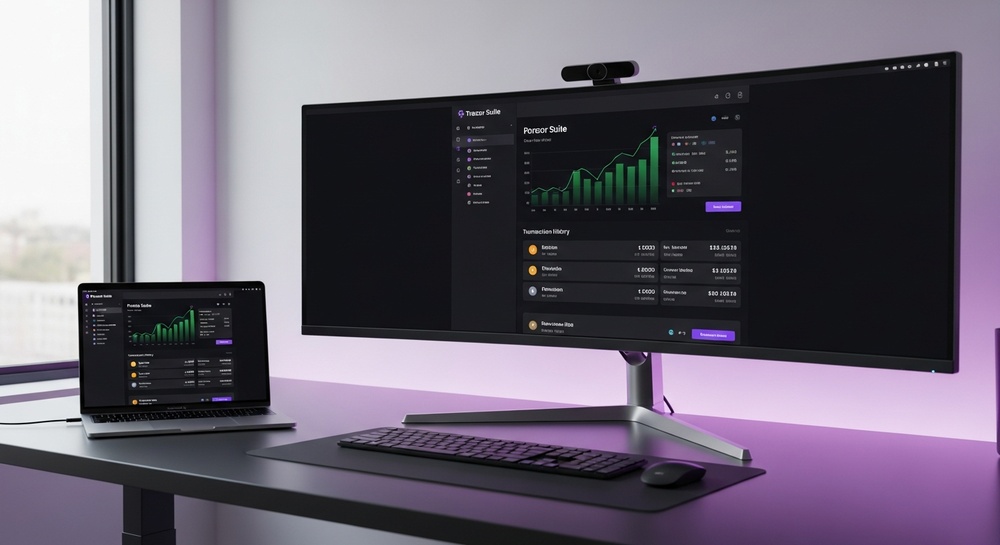
Trezor Suite is the official software for managing your wallet. Available as a desktop application and web version.
📊 Portfolio Management
Track the balance of all cryptocurrencies in a single dashboard with charts and transaction history
🔄 Crypto Exchange
Built-in exchange feature through verified partners without the need to transfer funds to an exchange
💳 Buy Cryptocurrency
Ability to purchase cryptocurrency with fiat directly in the Trezor Suite interface
🖼️ NFT Support
View and manage NFT collections on Ethereum and other compatible blockchains
🔗 DeFi Connection
Integration with MetaMask and other interfaces for access to decentralized applications
🌐 Tor Integration
Built-in Tor network support for maximum transaction anonymity
Supported Cryptocurrencies
9000+ Cryptocurrencies and Tokens
Trezor supports a vast number of digital assets, including all major cryptocurrencies and thousands of tokens across various blockchains.
| Category | Examples | Support |
|---|---|---|
| Major Coins | Bitcoin, Ethereum, Litecoin, Bitcoin Cash | ✓ Full |
| ERC-20 Tokens | USDT, USDC, LINK, UNI, AAVE | ✓ Full |
| Other Networks | Cardano, Solana*, Ripple, Stellar | ✓ Depends on model |
| NFT | ERC-721, ERC-1155 | ✓ View and storage |
* Some cryptocurrencies are only available on certain models. It's recommended to check compatibility on the official Trezor website before purchasing.
Getting Started with Trezor
🚀 Step-by-Step Setup Guide
- Unbox the device — check the integrity of the holographic seal on the packaging
- Download Trezor Suite — download the official application only from trezor.io
- Connect Trezor — use the included USB cable to connect to your computer
- Install firmware — follow the instructions to install the latest version
- Create a wallet — the device will generate a new seed phrase
- Write down the seed phrase — transfer the words to paper or a metal plate
- Set a PIN code — choose a strong PIN to protect the device
- Done! — you can now securely store and send cryptocurrency
🚫 What You Should Never Do
- Buy Trezor from unofficial sellers or second-hand
- Use a device with tampered packaging
- Store the seed phrase digitally (photo, file, cloud)
- Share the seed phrase or PIN code with anyone
- Download Trezor Suite from third-party sources
Trezor Pros and Cons
✅ Advantages
- Fully open-source code
- Years of impeccable reputation
- Wide cryptocurrency support (9000+)
- Intuitive interface
- Active community and support
- Regular security updates
- Integration with popular DeFi services
- Passphrase functionality
❌ Disadvantages
- No Bluetooth (USB connection only)
- Not all coins available on all models
- Plastic casing (less durable)
- No built-in staking
- Requires a computer to operate
- Model One doesn't support some coins
Trezor Model Comparison
| Feature | Model One | Model T | Safe 3 | Safe 5 |
|---|---|---|---|---|
| Display | OLED monochrome | Color touchscreen | OLED monochrome | Color touchscreen |
| Input Method | Buttons + computer | Touchscreen | Physical buttons | Touchscreen |
| Secure Element | No | No | Yes | Yes |
| Coin Support | 1000+ | 9000+ | 9000+ | 9000+ |
| microSD Slot | No | Yes | No | Yes |
| User Level | Beginner | Advanced | Intermediate | Professional |
Frequently Asked Questions
What should I do if I lose my Trezor?
If you have your seed phrase saved, you can restore access to your funds on a new Trezor device or any other compatible wallet that supports the BIP-39 standard.
Can I use Trezor with a phone?
Trezor Model T and Safe 5 can be connected to Android devices via an OTG adapter. Full functionality with iOS is currently limited due to Apple's policies.
Is it safe to buy Trezor on Amazon or AliExpress?
It's strongly recommended to purchase only from the official store at trezor.io or from authorized resellers. Devices from third-party sellers may be compromised.
How often should I update the firmware?
It's recommended to install firmware updates as soon as they're released. Trezor Suite will automatically notify you about available updates.
Verdict: Trezor — The Gold Standard of Security
Trezor remains one of the best choices for long-term cryptocurrency storage. Open-source code, years of proven reputation, and continuous development make it a reliable solution for both beginners and experienced crypto investors. If the security of your assets is your top priority, Trezor deserves serious consideration.
Disclaimer: This material is for informational purposes only and does not constitute financial or investment advice. Before making decisions about purchasing cryptocurrency equipment, conduct your own research.